
Scan & Pay
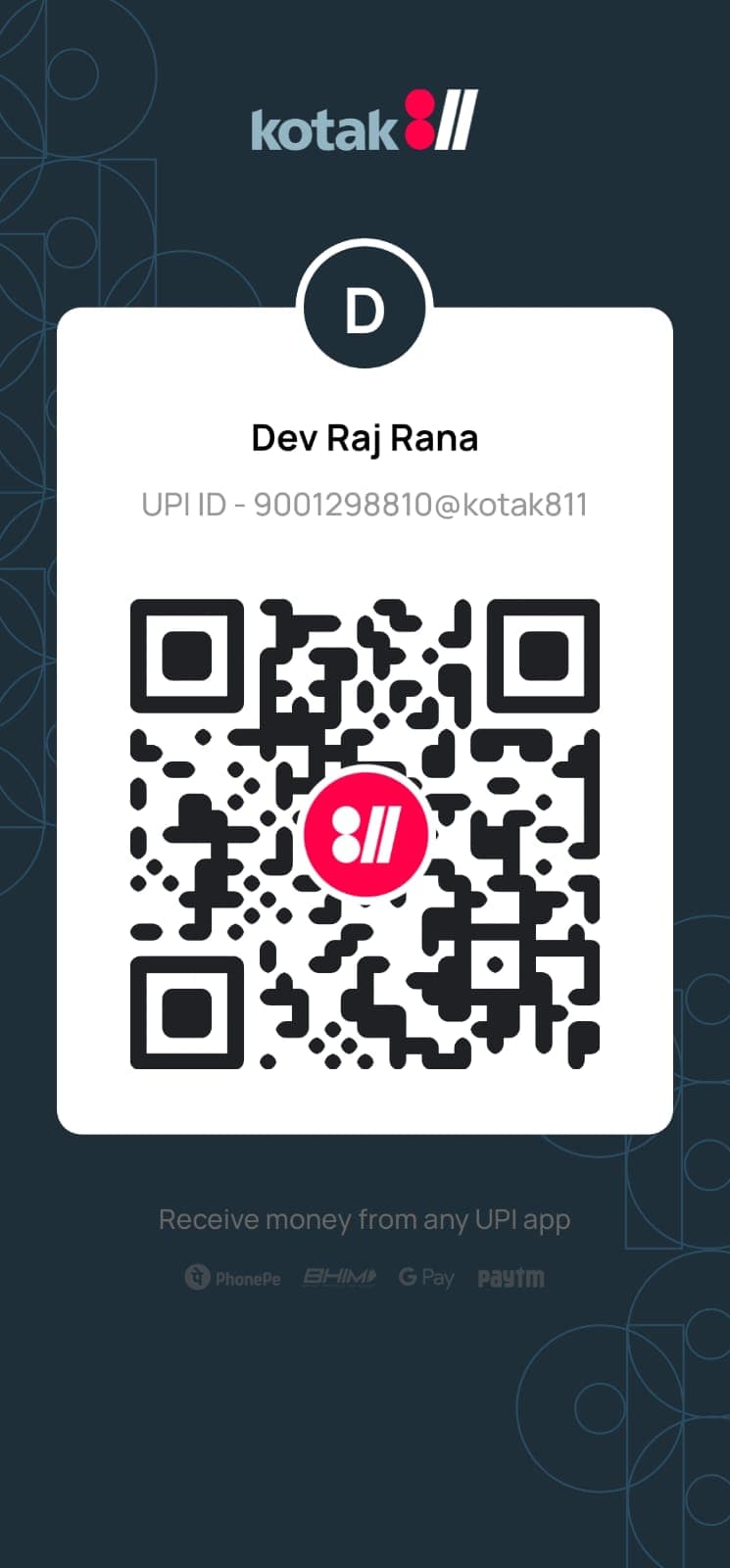
Scan the QR code to make payment via UPI
Payment QR Code
Scan with any UPI app to pay
Supported UPI Apps:
Google Pay
PhonePe
Paytm
BHIM
Amazon Pay
WhatsApp
How to Pay
Follow these simple steps
- 1Open any UPI app on your phone (Google Pay, PhonePe, Paytm, etc.)
- 2Tap on the QR code scan option in your app
- 3Scan the QR code shown on the left
- 4Enter the amount and complete payment
After Payment:
Take a screenshot of the payment confirmation for your records. Your order will be processed once payment is confirmed.
Alternative:
You can also pay directly using the UPI ID shown above. Just copy it and paste in your UPI app.
Need help with payment?